

Friends, today I am going to tell you about how to create qr code to make a free call from the Internet. If you are an internet user then you must have heard about free calling. But today I am going to tell you the best way to call free today through step by step guide.
Many times it will happen to you that you want to call someone urgent, but there is not even a balance of ₹ 1 on your mobile. Because of this a lot of problems also occur.
But today I am going to give a solution to this problem and with the help of this amazing trick, you can fool any friend. Because when you call someone free, qr code for links your number will not show on their mobile and you can use this trick from your laptop, tablet, and smartphone as well. But only you must have an internet connection.
You will not have any problem using this trick. Because this is the easiest trick and you can use this trick for free in any country, like India, China, Pakistan, Bangladesh, and America.
How to Make Free Calls Online


Open Call2Friends website

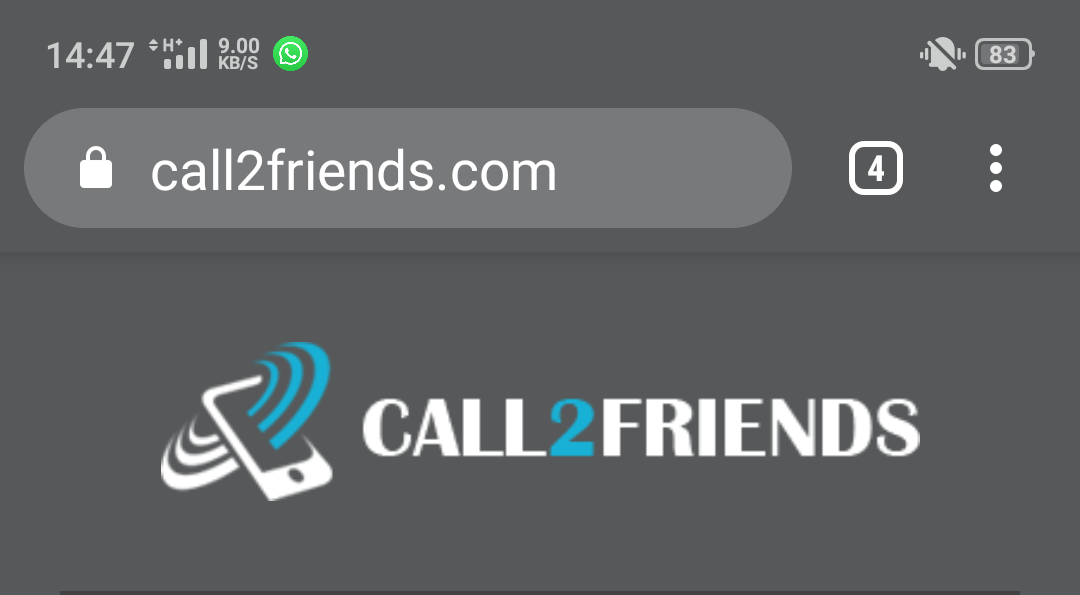
Click on free call


Select country


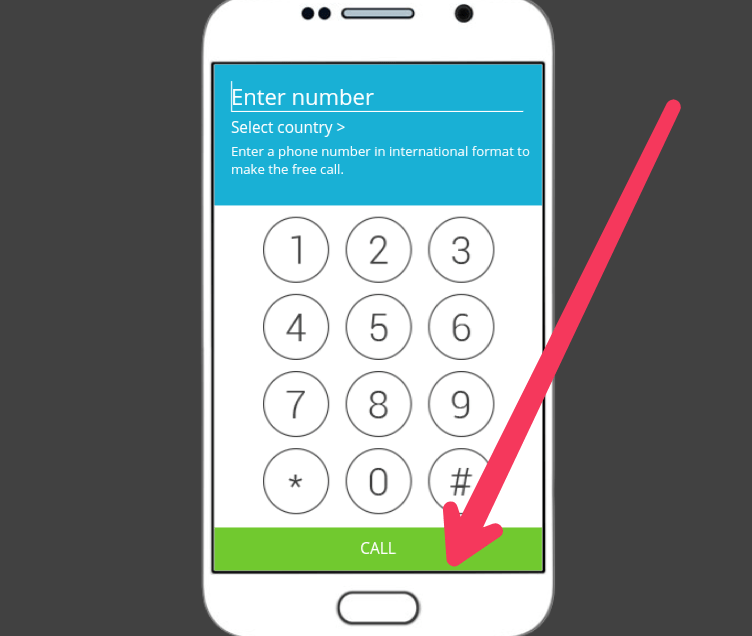
Dial number

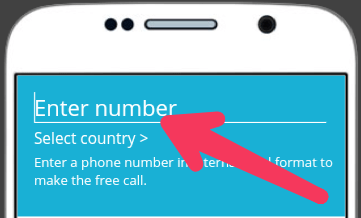
Now click on the Dial

Another Way to Make Free Calls Online
Step 1: First of all open the Chrome browser on your computer or smartphone and open the Poptox.com website.
Step 2: After the website is open, select the country on the dialer and type the mobile number on which you want to call, and click on the call button here.
Step 3: After this, it will ask you for permission for MIC access, allow it. If your device does not have MIC configuration then you will not be able to make a free call.
After completing these 3 steps, you can easily call any friend or family member for free with the help of the internet with the help of the website given above.
Also Read: